 avg-antitrack.dmg file (by default, downloaded files are saved to your Downloads folder).
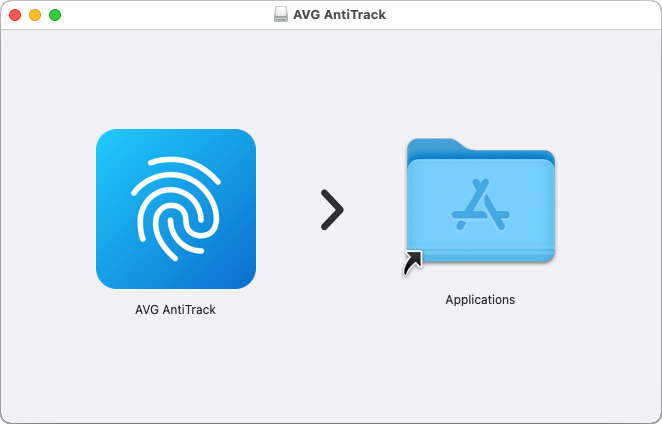
 AVG AntiTrack icon and drag it to the
  Applications folder, then follow the on-screen instructions to complete the installation process.
See detailed installation instructions
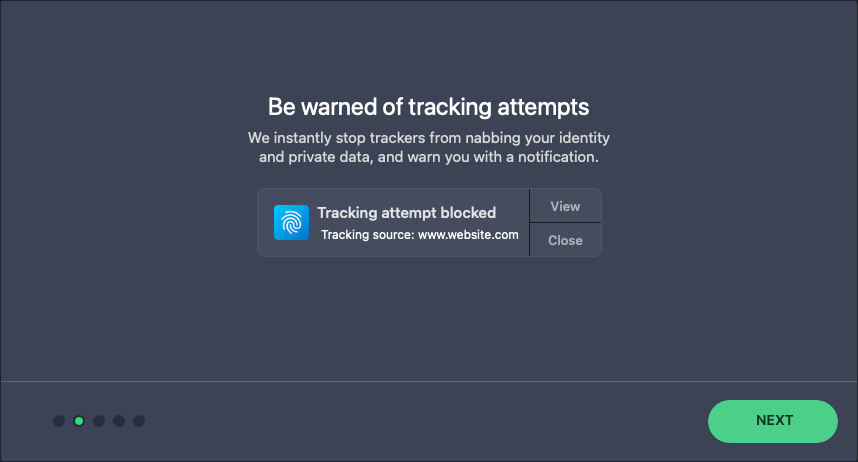
 AVG AntiTrack icon to open the application, and click Next to continue through the welcome screens.
See detailed activation instructions
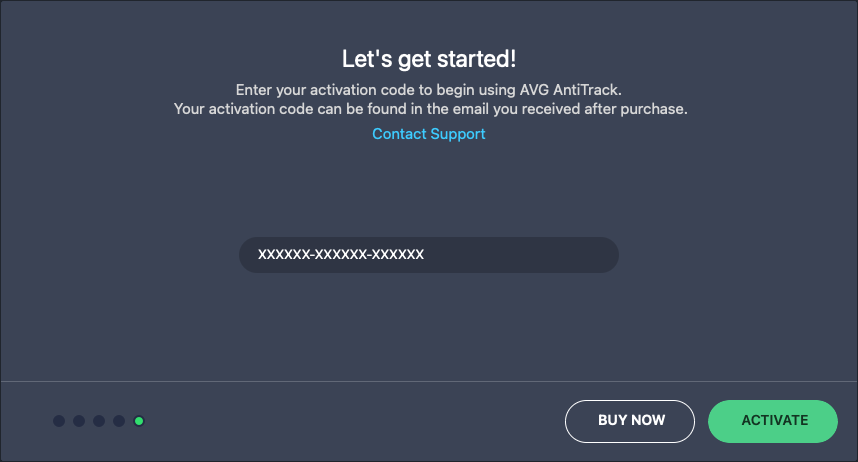
See detailed activation instructions
Note: If you have a valid product subscription, but the provided activation code is rejected, enter it in our activation form to retrieve a working activation code via your AVG Account.
Go to activation form
AVG AntiTrack icon in your Applications folder.